
Fixed – InvalidOperationException: Destroying a GameObject inside a Prefab is not allowed
✅ If you encounter these errors, please follow these steps:
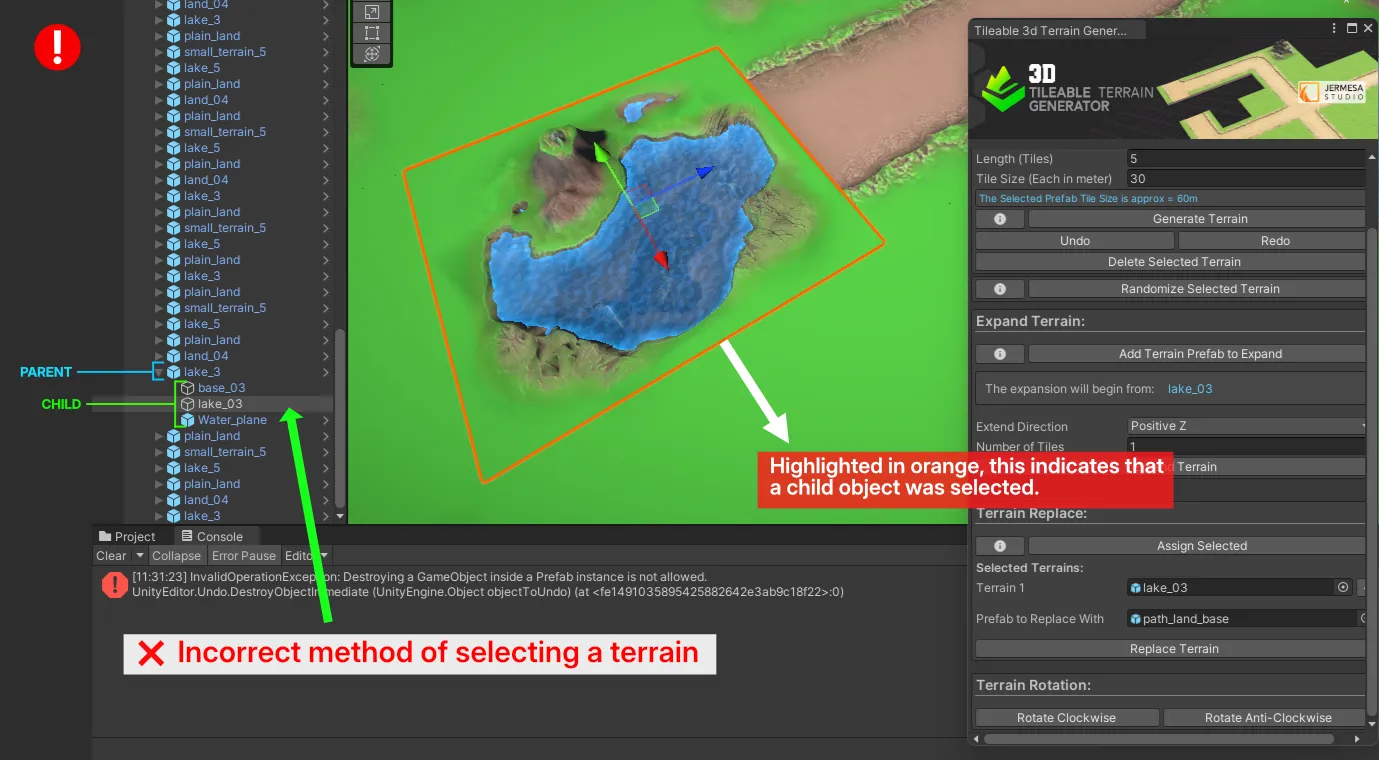
- The error mainly occurs because of the selected Child object.
- As you can see in the image below, the selected terrain is highlighted in orange colour, which means the Child of this terrain was selected (lake 03) and not the Parent (lake_3).
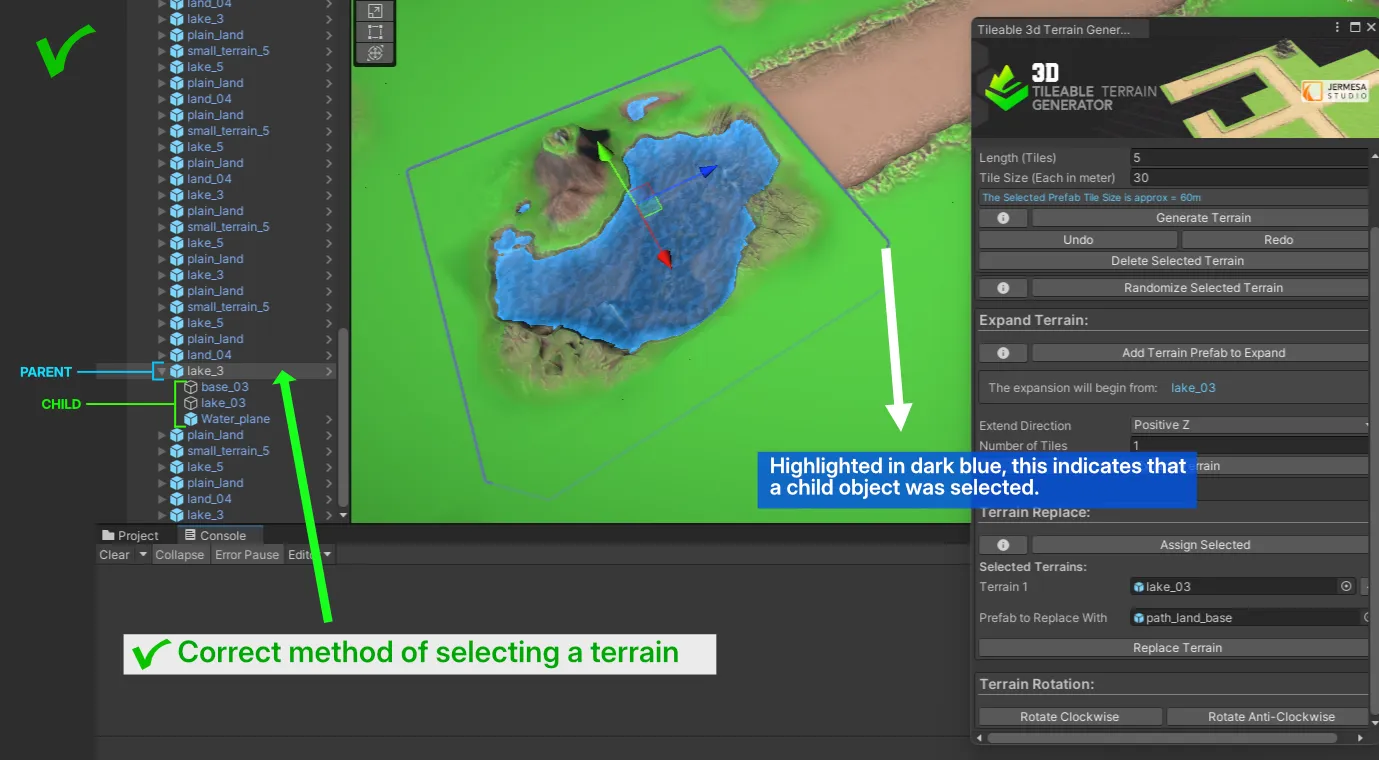
- To solve this, simply deselect the terrain and select it again. This time, you will see the terrain highlighted in dark blue colour. Ensure in the hierarchy that the Parent (lake_3) was selected and not the Child.
- By default whenever you select any terrain in your scene, the Parent get selected. However, if you click on the already selected terrain, the Child gets selected. Just make sure to check your Hierarchy to confirm that the Parent was selected.
🏝️⛰️ Terrain Assets Collection: Compatible with (Terrain Generator)
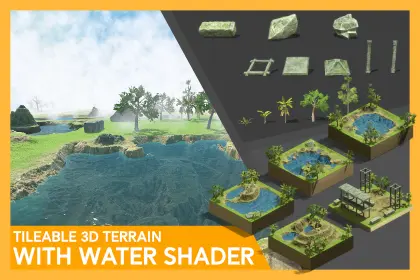


Please Check out.. our Asset Store page if you need any other Asset Pack
Compatible with Tileable 3d Terrain Generator Asset Store Link
✉️ Contact Us
Website: www.jermesa.com
Mail: support@jermesa.com
WhatsApp: https://wa.me
Instagram: jermesa_studio
Twitter: @Jermesastudio
Discord: https://discord.gg
AssetStore: assetstore.unity.com
YouTube: www.youtube.com
LinkedIn: jermesa-studio
AssetStoreLink: assetstore.unity.com
Leave a Reply